Oct 6, 2026Blog
How Smart Glasses Sync to Your Phone: Bluetooth, WiFi and App Ecosystems
Smart glasses sync to your phone via BLE, WiFi or dual-band — understanding the connectivity stack helps buyers choose the right model for their use case.
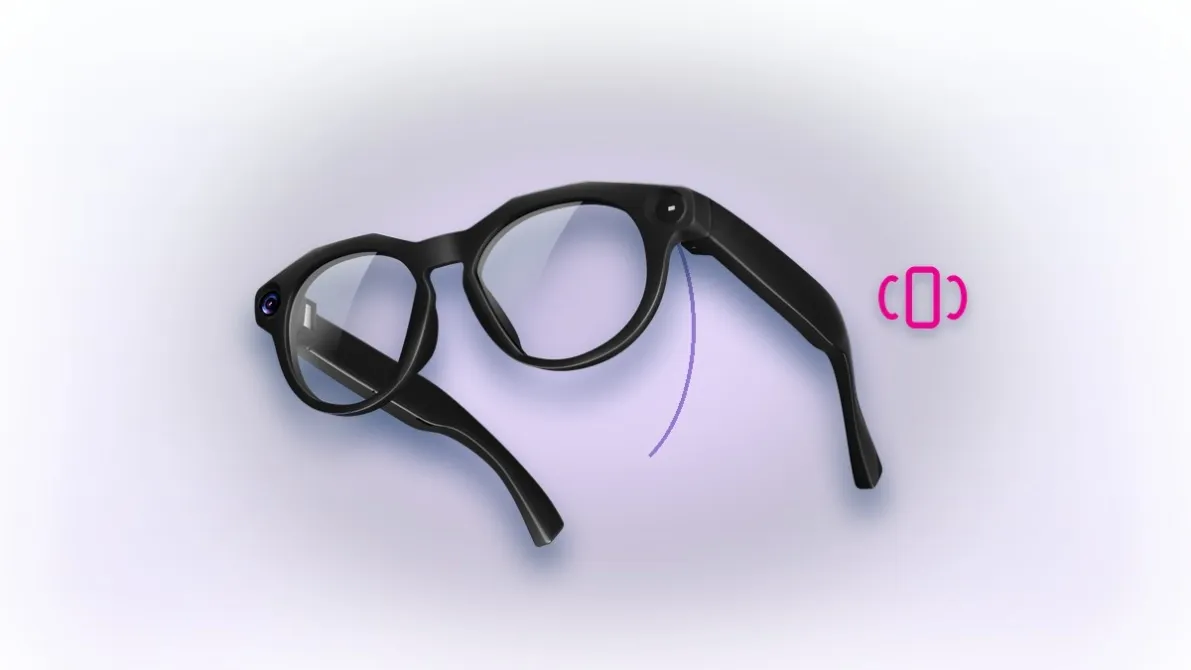
Smart glasses sync to your phone through a connectivity stack that determines how fast your photos transfer, how reliable the AI assistant responds, and what happens when WiFi is unavailable. This guide explains the three connectivity layers and what each means for different use cases.
Layer 1: Bluetooth LE — Always-On Connection
Bluetooth Low Energy is the baseline connection that keeps the glasses paired with your phone. BLE handles notifications, AI assistant queries, call routing and sensor data sync. BLE 5.3 provides faster pairing, longer range and lower power draw than earlier versions.
Layer 2: WiFi — High-Speed Data Transfer
For camera glasses, WiFi is what moves photos and video from the glasses to your phone. Entry models use 2.4G WiFi; flagship models add 5.8G for 3–5× faster transfer. WiFi6 models (dual-band 2.4G + 5.8G) provide the fastest option — a 1-minute video transfers in seconds rather than minutes.
Layer 3: The App Ecosystem
The companion app manages photo/video storage, AI settings, music controls and firmware updates. For OEM buyers, the app is where the brand lives: white-label options include brand name, identity, language and UI customization.
What Each Layer Means for Different Users
- Casual users — BLE alone handles notifications and voice assistant; WiFi matters only when transferring photos
- Content creators — WiFi6 dual-band is critical: fast transfer means shorter edit-cycle delays
- Live streamers — stable BLE for voice commands plus WiFi for stream upload
- Cyclists and outdoor users — BLE for navigation prompts, WiFi for post-ride transfer
For OEM Buyers: Confirming the Connectivity Stack
The AI smart glasses collection on this site includes WiFi6 dual-band models with fast photo/video transfer, BLE 5.3 for always-on connection, and companion app white-label options. Confirm the connectivity stack, transfer speed benchmarks and app white-label scope at the sampling stage — trial orders from 100 pcs are negotiable case by case.
FAQ
How fast do photos transfer? WiFi6 dual-band: a 1-min video in seconds.
Does AI work offline? Basic features offline; ChatGPT and translation need connectivity.
FAQ
How fast do photos transfer to my phone? WiFi6 dual-band transfers a 1-minute video in seconds; 2.4G is adequate for stills.
Does the AI work without internet? Basic features work offline; ChatGPT and real-time translation require connectivity via the paired phone.
Key Specifications
Spec | Detail |
|---|---|
Bluetooth | BLE 5.3 always-on |
WiFi | 2.4G or WiFi6 dual-band |
Transfer | Photos in seconds (WiFi6) |
App | Companion app with white-label options |